This article provides a guide to the different types of calculators, explaining how they function and detailing their main components. It covers various categories—including basic, scientific, graphing, financial, printing, pocket, programmable, and specialized online tools—along with their features, pros, cons, and historical milestones.
For readers searching related topics or keywords (such as basic calculator, scientific calculator, graphing calculator, or financial calculator), it helps them identify the best tool for their needs. It also assists users in avoiding common calculation errors, understanding examination regulations, and verifying results.
Many kinds of calculator have evolved from specialist machines into everyday software. Pew Research Center reported that 91% of U.S. adults owned a smartphone in 2025, placing a calculation tool within reach of most people. Dedicated devices remain important in education, finance, engineering, retail, and fieldwork. Understanding the different types of calculators helps users choose functions, portability, auditability, and cost. This pillar guide answers what is a calculator, explains how does a calculator work, identifies the parts of calculator, and provides a practical list of calculators with advantages, limitations, and uses.
What Is a Calculator and Why Are There So Many Categories?
A calculator is a device or application that accepts numerical input, applies programmed mathematical rules, and returns a result. The broader answer to what is a calculator covers four-function models, examination-approved scientific devices, graphing systems, business machines, programmable tools, and specialized online services.
The different types of calculators exist because tasks differ. A cashier needs quick totals; an engineer needs logarithms and trigonometry; a lender models cash flows; and a student visualizes functions. Choosing among the kinds of calculator should begin with the problem, not the number of buttons.
History explains the different types of calculators. The Smithsonian records that Sumlock began selling ANITA electronic desk calculators in 1961. The Computer History Museum identifies the 1972 HP-35 as the first handheld scientific calculator. Casio says its fx-7000G became the first graphing calculator in 1985.
How Does a Calculator Work?
To understand how does a calculator work, picture a short information pipeline. The user enters an expression; a processor follows stored instructions; memory holds values; and a display presents the answer. Apps use the same logic while running on a phone, browser, or computer.
The principal parts of calculator are:
- Input controls for numbers, operators, functions, and navigation.
- A processor that interprets commands and performs operations.
- Memory for entered numbers, intermediate values, constants, or programs.
- Firmware containing mathematical routines and interface rules.
- A display or printer that communicates results.
- Batteries, solar cells, mains electricity, or a host device for power.
Electronic models represent numbers through binary circuits. Advanced algorithms calculate roots, logarithms, statistics, graphs, and financial values. Learning how does a calculator work also explains why rounding settings, operating modes, parentheses, and input order can change results. Understanding the parts of calculator helps users diagnose entry and mode errors.
Complete List of Calculators at a Glance
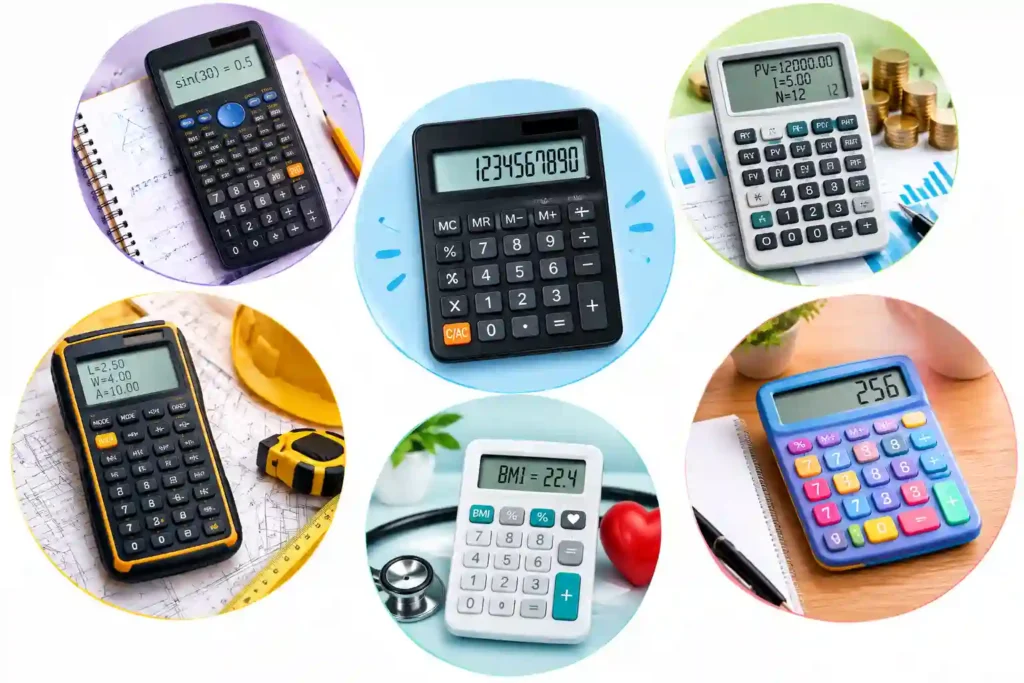
A useful list of calculators includes:
- Basic Calculator for everyday arithmetic.
- Scientific Calculator for mathematics, science, and engineering.
- Graphing Calculator for functions, graphs, tables, and statistics.
- Financial Calculator for loans, investments, and cash flows.
- Printing Calculator for office totals and transaction records.
- Pocket Calculator for portable calculations.
- Programmable Calculator for repeatable formulas and routines.
- Online tools for percentages, dates, units, health, construction, and taxes.
The sections below compare these different types of calculators and their strongest applications.
1. Basic Calculator
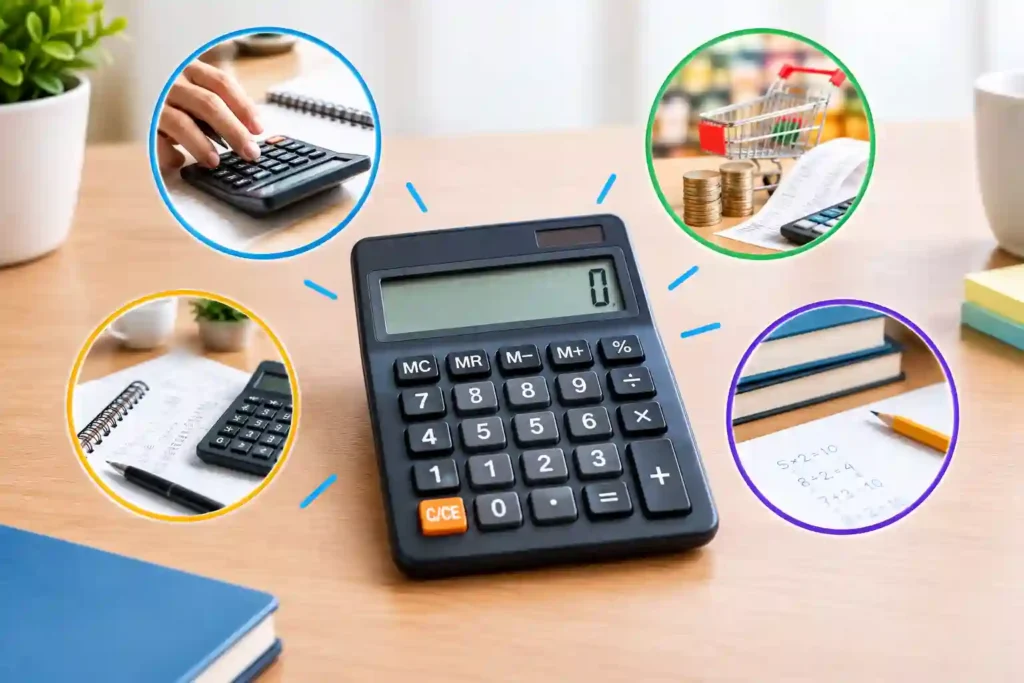
A Basic Calculator performs addition, subtraction, multiplication, division, percentages, and usually memory operations. It suits households, shops, offices, and users who want direct answers. Try InfraTech Hub’s Basic Calculator tool online.
Pros
- Simple, fast, inexpensive, and energy efficient.
- Useful for shopping, budgets, invoices, and arithmetic checks.
Cons
- Limited algebra, statistics, and scientific notation.
- Small displays may hide the complete expression.
- It cannot judge whether the chosen method is appropriate.
Among the kinds of calculator, a Basic Calculator is the best default for straightforward work, but not advanced study.
2. Scientific Calculator
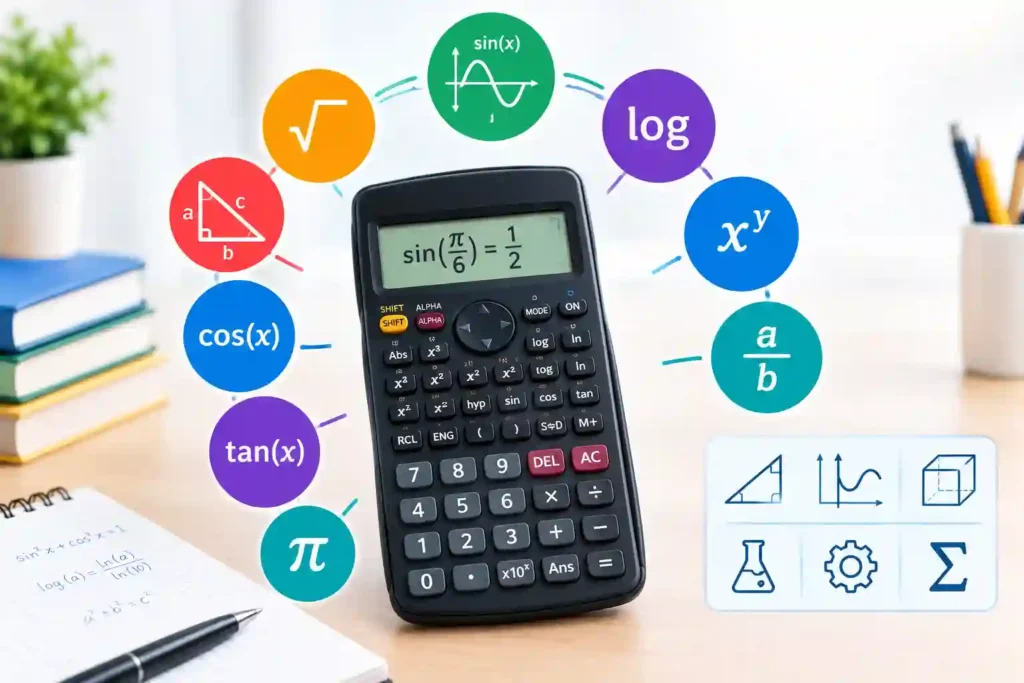
A Scientific Calculator adds powers, roots, fractions, logarithms, trigonometry, scientific notation, combinations, and statistics. It serves education, laboratories, surveying, and engineering.
Pros
- Handles complex expressions in one portable device.
- Supports angle modes, constants, fractions, and exponential values.
Cons
- Wrong degree, radian, or mode settings create misleading answers.
- Key combinations require practice, and examination rules vary.
The HP-35 transformed the different types of calculators in 1972 by replacing many slide-rule tasks. Link readers to InfraTech Hub’s Scientific Calculator tool. This scientific model is powerful only when the user understands notation and settings.
3. Graphing Calculator
A Graphing Calculator evaluates expressions and displays functions on coordinate axes. It creates tables, solves equations, and analyzes datasets. College Board says the digital SAT provides a built-in Desmos graphing tool throughout the Math section, showing how visual calculation now supports mainstream assessment.
Pros
- Reveals intercepts, trends, transformations, and inequalities.
- Connects equations, tables, statistics, and visual patterns.
Cons
- Costs more and requires more training than simpler devices.
- Poor graph-window scales can misrepresent behavior.
- Examinations may restrict computer algebra or stored content.
A Graphing Calculator supports exploration, but users should still estimate and interpret the mathematics.
4. Financial Calculator
A Financial Calculator handles time value of money, loan payments, interest rates, bond yields, depreciation, amortization, net present value, and internal rate of return. Finance professionals and students use it for consistent modeling.
Pros
- Speeds cash-flow and financing calculations.
- Provides dedicated keys for common variables and scenarios.
Cons
- Sign conventions and payment timing confuse beginners.
- Results depend on assumptions about rates and dates.
- It is less flexible than a documented spreadsheet.
HP introduced the HP-12C in 1981 and describes it as its longest-selling calculator. A Financial Calculator can verify spreadsheets, while InfraTech Hub’s Loan, Compound Interest, and Percentage Calculator pages support quick estimates.
5. Printing Calculator
A Printing Calculator combines arithmetic with a paper tape recording entries, subtotals, and totals. It remains useful for bookkeeping, cash reconciliation, purchasing, and small-business administration where staff need an immediate audit trail.
Pros
- Produces a physical record for checking or filing.
- Makes long sequences easier to review.
- Tax, markup, and grand-total keys improve office speed.
Cons
- Requires paper, ink, power, maintenance, and desk space.
- Printing creates noise and recurring consumable costs.
- Paper is less searchable than digital records.
Within the different types of calculators, a Printing Calculator prioritizes traceability over portability.
6. Pocket Calculator
A Pocket Calculator is defined by portability. Most models provide arithmetic, memory, percentages, and solar-assisted power in a thin body. It suits travel, classrooms, warehouses, markets, and phone-restricted fieldwork.
Pros
- Lightweight, inexpensive, instantly available, and distraction free.
- Long battery life, often supplemented by solar power.
Cons
- Small keys and displays can reduce comfort or accessibility.
- Functions and memory are limited.
- The device is easy to lose or damage.
Among the different types of calculators, a Pocket Calculator remains dedicated, predictable, offline, and fast.
7. Programmable Calculator
A Programmable Calculator stores sequences, formulas, variables, loops, or conditions. It supports repeated engineering methods, surveying routines, statistical procedures, education, and field calculations. The Computer History Museum notes that the 1974 HP-65, HP’s first programmable handheld, stored 100-line programs on magnetic cards.
Pros
- Automates repetitive work and reduces re-entry.
- Encodes verified methods for consistent reuse.
Cons
- Programming mistakes can be repeated at scale.
- Older interfaces make code difficult to document.
- Stored programs may be prohibited in examinations.
Within the different types of calculators, a Programmable Calculator requires test cases, documented assumptions, and independent checks.
8. Online and Specialized Calculators
Online tools expand the list of calculators beyond hardware. Examples include age, date, BMI, calorie, mortgage, tax, concrete, electrical, conversion, probability, and statistical calculators. They can explain inputs, display charts, update formulas centrally, and work across devices.
Pros
- Usually require no purchase or installation.
- Can provide definitions, visual results, and downloads.
- Specialized logic reduces manual formula setup.
Cons
- Quality, privacy, assumptions, and updates vary.
- Internet access or browser compatibility may be required.
- A polished result may encourage unjustified trust.
Explore InfraTech Hub’s Age Calculator, BMI Calculator, Unit Converter, and Construction Calculators as internal links. For medical, legal, tax, or engineering decisions, treat online results as estimates unless methods and inputs are professionally verified. These different types of calculators combine calculation with explanation.
Choosing Between the Different Types of Calculators
Ask these questions before buying or opening a tool:
- Which calculations must be repeated?
- Are graphs, programs, financial functions, or printed records required?
- Is the model permitted in the examination or workplace?
- Do display size, portability, battery life, and accessibility matter?
- Must results be saved, shared, printed, or transferred?
- What precision, rounding, privacy, and verification controls are needed?
The best option among the kinds of calculator is the simplest tool that completes the task accurately and transparently. Careful tool selection improves speed, reduces entry mistakes, supports verification, and gives learners and professionals greater confidence in numerical decisions. Among the kinds of calculator, extra capability creates complexity; inadequate capability creates workarounds.
Common Errors Across All Kinds of Calculator
Calculators execute instructions; they do not guarantee sound reasoning. Errors include entering the wrong sign, confusing percentages with decimal multipliers, mixing units, using degrees instead of radians, rounding early, misplacing parentheses, and accepting an impossible answer.
Estimate first, review the displayed expression, confirm units and modes, and repeat critical work independently. Learning the parts of calculator interface matters: memory indicators, shift keys, labels, cursor position, and error messages provide context. This discipline applies to every item in a list of calculators.
Conclusion
The different types of calculators reflect different ways people learn, work, verify, and communicate numerical information. Understanding what is a calculator makes selection easier. Asking what is a calculator also clarifies its logic and limits. Each option serves a distinct practical purpose. Use this pillar guide as a hub, then explore InfraTech Hub’s calculator pages for specific tasks. Choose the simplest reliable option, check modes and units, estimate before accepting results, and remember that calculation strengthens judgment only when inputs and interpretation are sound.