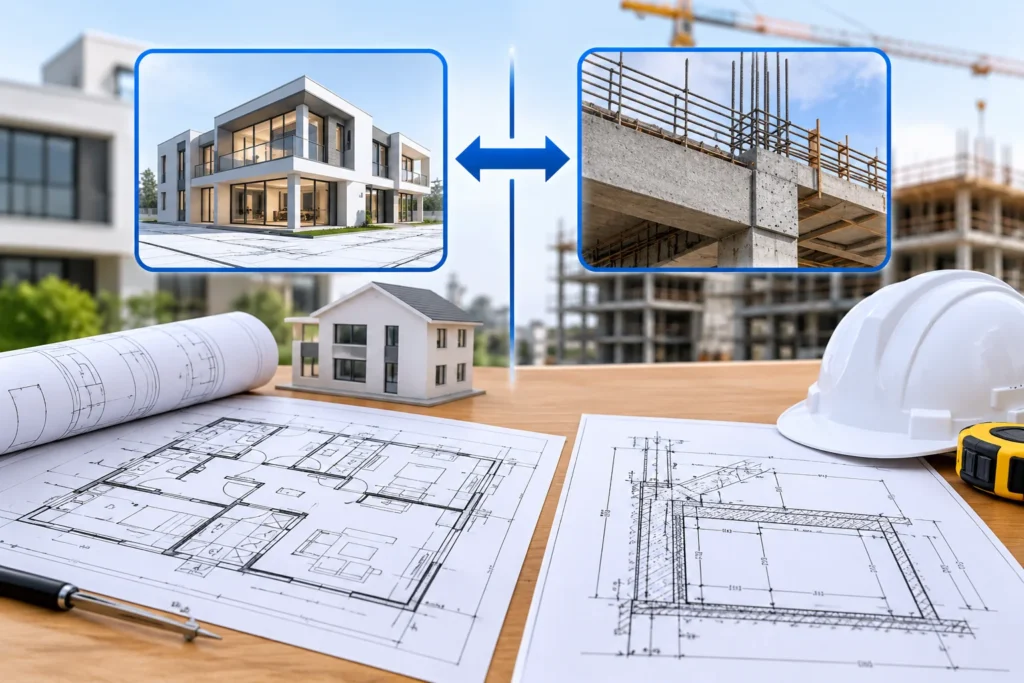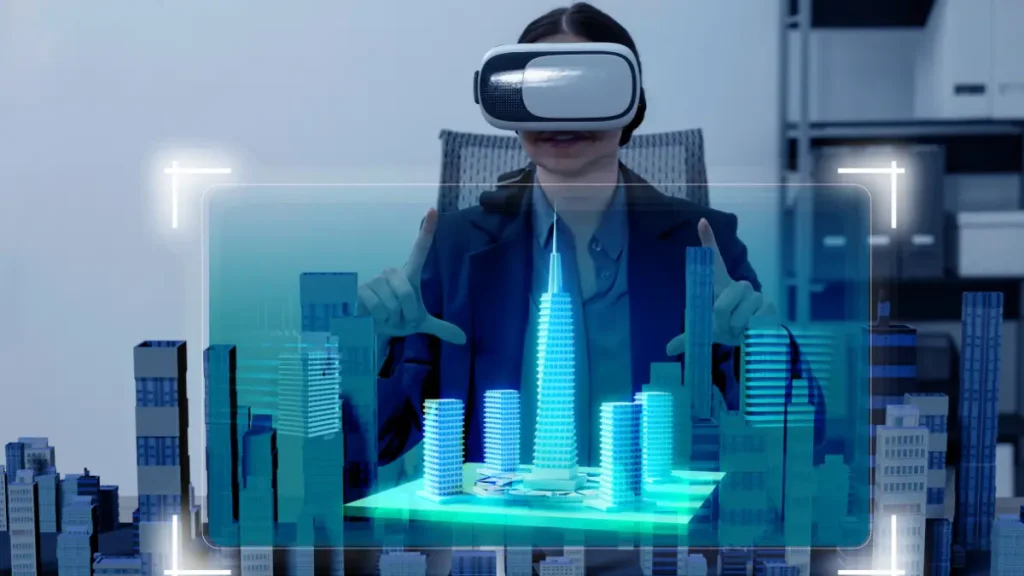
Architectural visualization has reached a turning point that is decisive. Static 2D blueprints and fixed 3D renders are quickly being replaced by real-time spatial immersion. Today, virtual reality software for architecture is a comprehensive engine for design, coordination, and client engagement rather than only a tool for presentation.
According to the Chaos and Architizer Architectural Visualization Industry Report, over 60% of architecture practices actively integrate real-time rendering and spatial visualization into their daily pipelines. Furthermore, enterprise research reveals that spatial computing and immersive model reviews can reduce design revision cycles by up to 40% while preventing costly field-level change orders. Understanding how virtual reality software for architecture functions and deploying the right software and hardware stack is now a core competitive advantage for modern AEC practices.
Defining Virtual Architecture & Spatial Visualization
Virtual architecture primarily converts how we experience space. By developing scale-accurate 3D environments that you can walk through and modify on the fly. Virtual architecture demonstrates far more than flat CAD files and still images, because it delivers real human scale, natural depth perception, and total spatial immersion.
[ BIM Platform (Revit / ArchiCAD) ] ──► [ Real-Time VR Engine ] ──► [ Spatial HMD (Quest / Vision Pro) ] │ │ │ (Parametric Geometry) (Lighting & Materials) (1:1 Scale Immersion)
Key Technical Fundamentals To understand how immersive software functions, designers must master several core spatial computing terms:
Key Technical Fundamentals
To understand how immersive software functions, designers must master several core spatial computing terms:
- Head-Mounted Displays (HMDs): Hardware headsets (e.g., Meta Quest 3/3S, Apple Vision Pro, HTC Vive Focus 3) duly equipped with high-resolution displays, gyroscopes, and inside-out tracking sensors for rendering 3D space.
- Real-Time Rendering Engines: Software bridges (like Enscape, Twin motion, Unreal Engine 5, and Arkio) that interpret parametric BIM geometry into interactive graphics running at high frame rates (72–120 FPS) to reduce motion latency.
- BIM-to-VR Live Sync: Direct plugin incorporations that maintain a continuous, live connection between architectural modeling software (Autodesk Revit, Graph iSOFT ArchiCAD, Trimble SketchUp) and the VR viewport.
- Spatial Passthrough & Mixed Reality (MR): Enhanced hardware expertise that combine physical room boundaries with digital architectural overlays.
How VR and Architecture Collaborate: Central Workflows
The combination of VR and architecture redesigns every stage of the project lifecycle, converting how architects design, iterate, and communicate.
1. Conceptual Massing and Spatial Testing
During early schematic design, exploring architecture in VR empowers designers to gauge volumetric massing, ceiling heights, sightlines, and spatial flow at a 1:1 human scale. Architects walk through conceptual corridors to examine spatial comfort directly rather than assessing spatial clearance on a flat screen.
2. Environmental Lighting & Material Simulation
Modern virtual reality software for architecture computes real-time solar placement, geographical daylighting, and artificial lighting conditions. Designers are able to simulate sun paths for different seasons, modify artificial fixture lumens, and swap interior finishes immediately while standing inside the virtual room.
3. Multi-User Collaborative Model Reviews
Structural engineers and clients can avatar-in to the same virtual model at the same time irrespective of their physical location through multi-user spatial sessions, and dispersed design teams. Participants may annotate spatial mistakes, measure wall clearances, and discuss structural adjustments in real time.
The Evolution & Latest VR Architecture News
The trajectory of spatial technology in design is accelerating rapidly. Following the mainstream adoption of spatial computing platforms like Apple Vision Pro and Meta’s Quest ecosystem, recent VR architecture news points to a massive convergence of artificial intelligence, real-time cloud rendering, and BIM integration.
Headline updates in VR architecture news incorporate:
- AI-Driven Generative Environments: Up-to-date real-time executing engines leverage generative AI for applying automatically lifelike materials, genuine foliage, and photorealistic lighting directly onto crude BIM models.
- Standalone Cloud Streaming for BIM: Highly developed cloud-rendering pipelines stream enormous, multi-gigabyte Revit files directly to wireless headsets, reducing the need for tethering to high-end desktop workstations.
- Spatial OS Architecture: Operating systems like Android XR and visionOS are establishing dedicated spatial multi-tasking standards, allowing architects to pin floating 2D CAD sheets alongside 3D immersive models.
Core Benefits & Real-World Use Cases of Virtual Reality Architecture
Deploying virtual reality architecture provides clear operational advantages for architectural practices and their clients.
Operational Advantages
- Speeded Client Approval Cycles: Non-technical clients repeatedly struggle to understand 2D floor plans or section cuts. Walking through virtual reality architecture provides clients with an intuitive understanding of scale, excluding misunderstandings and reduction in sign-off timelines.
- Drastic Decrease in Pre-Construction Mistakes: Recognizing spatial conflicts, unaligned door swings, or awkward ceiling transitions inside virtual architecture before breaking ground inhibits costly field change orders.
- Improved Stakeholder Commitment: Real estate developers utilize architecture in VR to:
- pre-lease commercial properties,
- sell residential units before construction starts,
- organize public community feedback sessions.
VR Architecture Cost, Hardware Budgeting, and Financial ROI
The overall VR architecture cost structure is a fundamental consideration for principals and IT managers who are evaluating immersive tools. A balanced budget considers the cost of hardware procurement, software licensing, and functioning integration.
Breakdown of Hardware & Software Pricing Tiers
| Expense Category | Entry-Level Tier | Enterprise Professional Tier |
|---|---|---|
| VR Hardware (HMDs) | Meta Quest 3 / Quest 3S ($300 – $500 per unit) | Apple Vision Pro / HTC Vive Focus 3 ($1,300 – $3,500 per unit) |
| Graphics Workstations | Mid-range GPU PCs ($1,500 – $2,200) | High-end RTX GPU Stations ($3,500 – $6,000+) |
| VR Software Subscriptions | Enscape / Twinmotion ($700 – $1,200/year) | Unreal Engine / Arkio / IrisVR Resolve ($1,500 – $3,600/year) |
| Initial Deployment Cost | ~$2,500 – $3,900 per seat | ~$6,300 – $13,100 per seat |
Financial Cost-Benefit Analysis & ROI Calculation
Although initial capital expenditure is expected, if you calculate the return on investment (ROI); it reveals clear financial returns:
Financial ROI=Direct Costs Saved from Prevented Change Orders+Billed Hours SavedTotal VR Hardware & Software Investment×100
Consider an example and put figures in above equation as follows:
- if a mid-sized firm spends $8,000 on immersive hardware and software licenses across a team,
- and that setup finds a single structural ducting conflict that would have cost $35,000 in field rework,
The firm achieves an immediate (8000/35000*100=437% ROI) on a single project.
How to Choose the Right VR Software for Your Firm
Selecting the appropriate virtual reality software for architecture depends on your firm’s primary modeling platform, team size, and client presentation requirements:
- For Instant Arch Viz & One-Click Live Sync: Select Enscape or Twin motion. These tools plug directly into Revit, SketchUp, ArchiCAD, and Rhino, and provide instant 1-click VR export without needing manual scene optimization.
- For High-End Photorealism & Custom Interactions: Go for Unreal Engine 5. It is ideal for specialized visualization studios that need advanced physics, custom interactions, and cinematic execution quality.
- For Large-Scale BIM Model Coordination: Choose IrisVR (Resolve) or Arkio. These platforms compress heavy, multi-trade BIM models for smooth performance on standalone wireless headsets during coordination meetings.
Pros and Cons of Virtual Reality in Architecture
Pros
- Matchless Spatial Clarity: Presents true 1:1 human scale and depth perception that 2D screens cannot reproduce.
- Quicker Client Signoffs: Accelerates decision-making and decreases back-and-forth revision iterations.
- Remote Collaboration: Facilitates worldwide design teams and clients to meet inside the 3D model.
Cons
- Preliminary Hardware Investment: Needs budgeting for HMDs and high-performance GPU hardware.
- Probable Motion Discomfort: Inadequately optimized models running below target frame rates (72 FPS) can result in user fatigue.
Conclusion & Next Steps
Deploying virtual reality software for architecture is an established industry standard for modern spatial design rather than a futuristic experiment. Your firm can improve presentation quality, reduce costly design errors, and deliver projects with greater efficiency by incorporating immersive workflows into your BIM pipeline.
Ready to transform your architectural practice? Assess your firm’s BIM workflow today, select the immersive rendering tool that fits your software stack, and step directly into the future of virtual architecture.