Pew Research Center reported in 2025 that 91% of U.S. adults owned a smartphone, making calculator software widely available. Classrooms, shops, offices, homes, and examinations still use dedicated four-function devices today because they are fast, inexpensive, and easy to verify. This guide answers what is a basic calculator, explains its controls, shows where it works best, and compares it with advanced alternatives.
What Is a Basic Calculator?
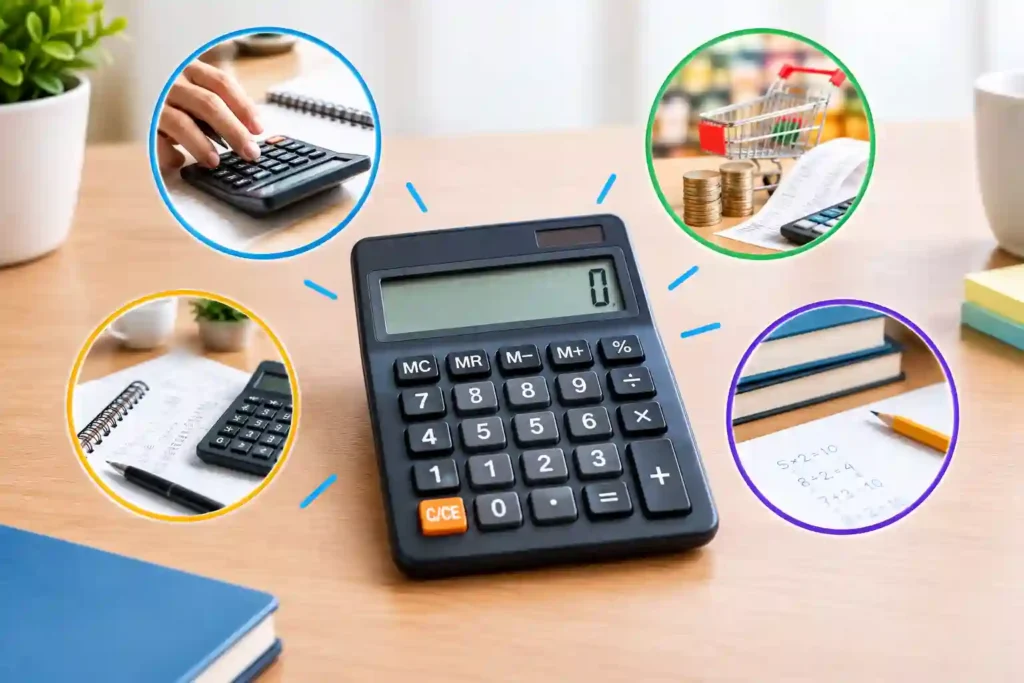
A basic calculator is a device or software tool for addition, subtraction, multiplication, and division. Many models add percentages, square roots, memory, and decimal controls. A basic four function calculator is intentionally limited: it performs everyday arithmetic without graphing, symbolic algebra, programming, or specialist financial functions. Practically, what is a basic calculator means arithmetic without advanced modes.
The Smithsonian’s National Museum of American History notes that Bell Punch exhibited the ANITA Mark VII and VIII electronic desk calculators in 1961. Vacuum tubes, then transistors and integrated circuits, eventually made calculators smaller and cheaper.
People asking what is a standard calculator usually mean a familiar desktop, handheld, or digital interface. Manufacturers may add tax, markup, memory, rounding, or grand-total functions, but straightforward arithmetic defines the category. What is a standard calculator in your setting should match what is a basic calculator expected to do.
How Does a Basic Calculator Work?
To understand what is a basic calculator, consider what happens after a keypress. The keypad sends an encoded instruction to a processor. Firmware interprets numbers and operators, stores values, performs arithmetic, and displays the result. Software calculators follow the same sequence on a phone, computer, or website.
Important parts of calculator design include:
- Number, decimal, operator, equals, and clear keys
- A display for entries and results
- Memory keys such as M+, M-, MR, and MC
- A processor, firmware, and working memory
- Battery, solar, mains, or device-based power
The calculator follows instructions without judging the reasoning. A wrong sign, decimal, or sequence can therefore produce a misleading answer.
How to Use a Basic Calculator Correctly
Learning how to use a basic calculator starts with reading labels and testing clear controls. AC or C normally resets the calculation, while CE often removes only the current entry. Models differ, so consult the manual.
For reliable work:
- First, estimate the likely answer.
- Next, clear previous calculations or memory.
- Carefully enter the first value.
- Then select the required operation.
- Now enter the next value and press equals.
- Finally, check the sign, decimal, and unit.
- Always repeat important calculations.
Percentage behavior varies by model. Some devices calculate 200 + 10% as 220, while others require 200 × 10% followed by addition. Test an easy example before calculating discounts, tax, pricing, or margins. This habit is central to how to use a basic calculator safely.
Useful Memory Functions
M+ adds to memory, M- subtracts, MR recalls, and MC clears it. A basic four function calculator with memory can total expenses, reuse a conversion factor, or retain a subtotal while another calculation is performed.
When Should You Use One?
The practical answer to what is a basic calculator is simple: use one when the problem needs direct arithmetic and advanced functions would add complexity rather than value.
Typical applications include:
- Checking totals, discounts, tips, and household budgets
- Calculating quantities, unit prices, measurements, or ratios
- Verifying invoices, cash counts, stock totals, and daily sales
- Supporting early arithmetic practice
- Confirming estimates during meetings or fieldwork
- Performing permitted calculations in examinations
Texas Instruments describes its TI-108 elementary model as a low-cost device designed to introduce students to arithmetic and calculator operation. Its focused layout shows how fewer menus keep attention on numbers, operators, and estimation. For beginners, what is a basic calculator defines a low-distraction learning aid.
Pros
- Quick to learn
- Affordable and portable
- Long battery life
- Few mode-related mistakes
- Excellent for routine arithmetic
Cons
- No trigonometry, logarithms, statistics, or graphing
- Limited history and expression editing
- Small displays may hide the full calculation
- Percentage behavior may vary
- Unsuitable for complex analysis
Basic Calculator vs Scientific Calculator
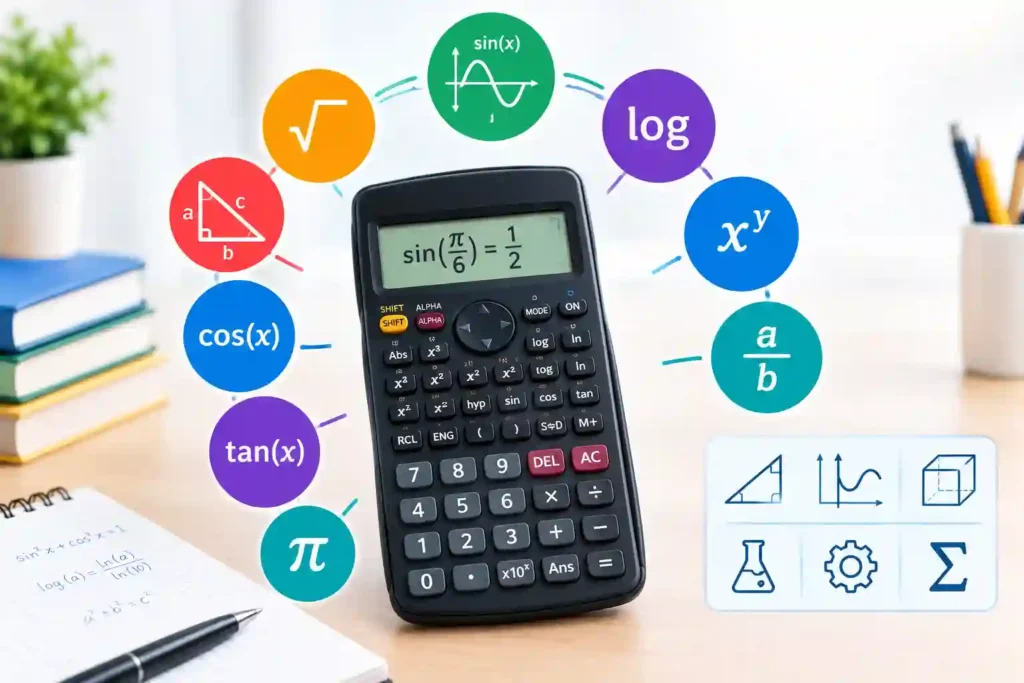
The basic calculator vs scientific calculator choice depends on the mathematics. A basic model supports arithmetic. A scientific model adds powers, fractions, trigonometry, logarithms, notation, statistics, and multi-line entry.
Choose a basic four function calculator for shopping, bookkeeping checks, elementary arithmetic, measurements, and verification. Choose a scientific calculator for algebra, geometry, chemistry, physics, engineering foundations, or statistics.
Basic Type: Pros and Cons
Pros are simplicity, low cost, long battery life, and low cognitive load. Cons are limited functions and little support for reviewing long expressions.
Scientific Type: Pros and Cons
Pros are broader capability and clearer expression entry. Cons are more modes and possible degree-radian or notation errors.
The basic calculator vs scientific calculator comparison also matters in examinations. College Board currently permits approved non-CAS four-function, scientific, and graphing calculators for SAT Math and provides embedded Desmos tools. It recommends a familiar calculator and notes that some questions are better solved without one.
Other Calculator Types: Pros and Cons
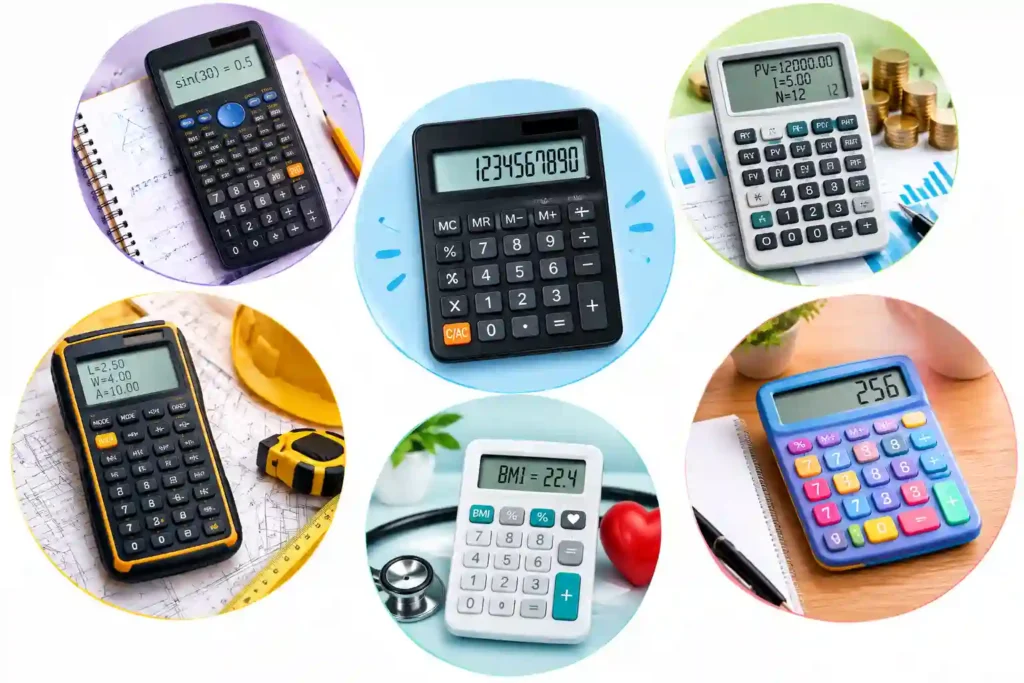
A graphing calculator plots functions and analyzes tables. Its advantage is visual exploration; its disadvantages are cost, complexity, and possible examination restrictions.
A financial calculator handles time-value-of-money, cash-flow, bond, and depreciation work. Its advantage is specialist speed; disadvantages include unfamiliar conventions and payment-timing errors.
A printing calculator creates a paper audit trail. Its advantage is reviewable documentation; disadvantages include paper, ink, noise, and poor portability.
A pocket or online basic four function calculator is convenient. Pocket models work offline with few distractions but have small keys. Online tools may explain formulas and handle specialized tasks, but users must verify privacy, units, assumptions, and methodology.
Link this cluster to InfraTech Hub’s Different Types of Calculators pillar, Scientific Calculator, Percentage Calculator, Loan Calculator, Unit Converter, Age Calculator, BMI Calculator, and Construction Calculators.
How to Choose the Right Calculator
At work, what is a basic calculator means fast, repeatable checks.
Ask:
- Does the task require only arithmetic?
- Must the device meet classroom or test rules?
- Is offline, distraction-free use important?
- Do you need history, large keys, or a large display?
- Will you calculate tax, markup, or totals frequently?
- Do you need graphing, statistics, finance, or programming?
For simple needs, what is a standard calculator becomes an easy decision: choose readable keys, a clear display, familiar percentage behavior, and sufficient digits.
Common Errors and Expert Checks
Knowing how to use a basic calculator includes recognizing its limits. Estimate first, keep units visible, avoid early rounding, and question implausible results. Medical, engineering, tax, legal, or investment decisions may still require professional review.
Conclusion
Understanding what is a basic calculator prevents unnecessary complexity or an underpowered choice. A focused device remains excellent for daily arithmetic, education, retail checks, and verification. Explore InfraTech Hub’s calculator pillar and related tools to select the simplest dependable option for each task.