Pew Research Center reported in 2025 that 91% of U.S. adults owned smartphones, meaning calculator apps are almost everywhere. Yet what is a pocket calculator still matters because a dedicated device offers immediate arithmetic without notifications, logins, internet access, or battery-draining apps. It is a compact electronic tool designed for quick calculations at school, home, shops, offices, workshops, and field locations, for quick, accurate arithmetic wherever work happens.
This guide covers history, operation, categories, benefits, limitations, and selection. Explore InfraTech Hub’s Different Types of Calculators pillar for the broader topic.
What Is a Pocket Calculator? Definition and Core Parts
A pocket calculator is a compact battery-powered or solar-assisted device. Most handle arithmetic, percentages, square roots, and memory. A mini calculator may offer only four functions, while advanced models add scientific, financial, statistical, or graphing tools.
Its main parts include:
- Number, decimal, operator, percentage, and equals keys
- Clear, memory, and answer-recall controls
- A processor and firmware that interpret instructions
- Working memory for temporary values
- An LCD or LED display
- Battery, solar, or dual power
Therefore, what is a handheld calculator is partly about form: it is carried in the hand, while desktop models prioritize larger keys, displays, or printing.
When Was the First Handheld Calculator Invented?
Asking when was the first handheld calculator invented requires distinguishing prototype, commercial, and pocket-sized models. The Smithsonian dates Texas Instruments’ Jack Kilby-led Cal-Tech prototype to 1967. Its refinement became Canon’s Pocketronic, launched in Japan in 1970 and the United States in 1971.
Computer History Museum calls the $245 Bowmar Brain of 1971 the first mass-market handheld; similar devices cost about $10 within a decade. It also identifies the 1971 Busicom Handy LE-120A as an early truly pocket-sized model.
The expert answer to when was the first handheld calculator invented is therefore 1967 for the prototype and 1970–1971 for commercial, genuinely portable products.
How Does a Handheld Calculator Work?
A keypress sends an electronic code to the processor. Firmware identifies the number, operation, memory command, or setting; the processor calculates, stores intermediate values, and updates the display.
Simple models process sequential entries; advanced ones apply order of operations and parentheses. Incorrect numbers, operators, decimals, memory, or percentage sequences still produce wrong results. The device checks computation, not reasoning.
Modern handheld calculator designs use little power. LCDs consume less energy than early red LEDs, and solar assistance extends battery life.
What Is a Pocket Calculator Workflow: Correct Use
Start by estimating the likely answer. Then:
- Press AC or C.
- Clear unwanted memory.
- Enter the first number.
- Select the operator.
- Enter the next value and press equals.
- Check the sign, decimal, unit, and scale.
- Recalculate important results independently.
For example, $48.75 plus $26.25 should equal about $75; $750 signals an entry error. Percentage sequences vary by model, so test a known example and consult the manual.
Understanding what is a pocket calculator includes recognizing that keyboards and percentage rules vary.
Main Types of Handheld Calculators
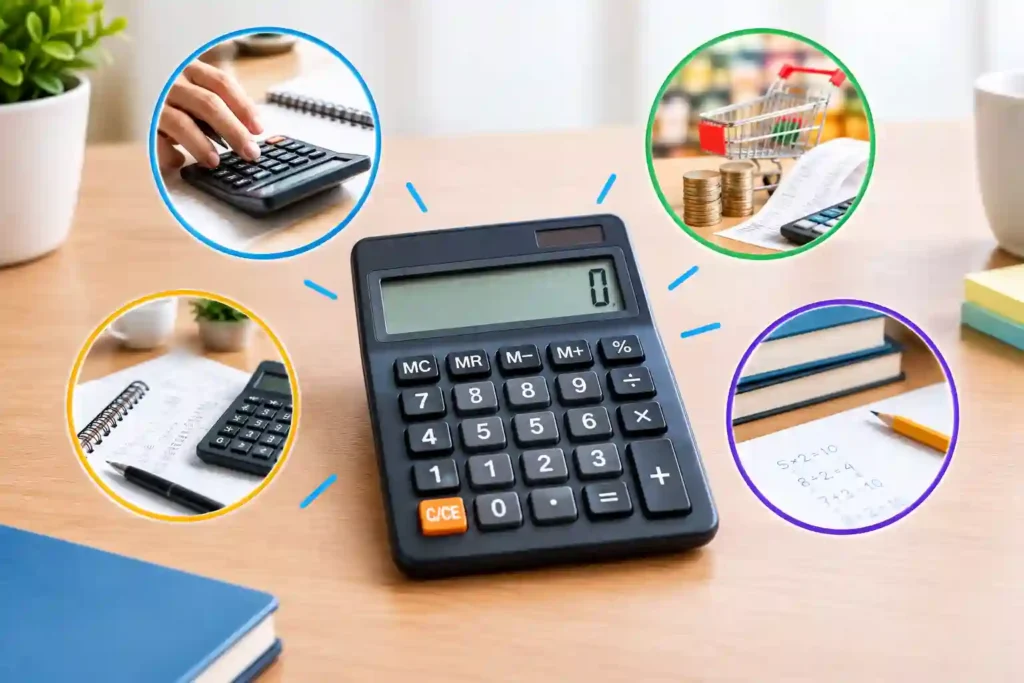
1. Basic Mini Calculator
A basic model handles arithmetic, percentages, roots, and memory for shopping, budgeting, lessons, stock counts, and office totals.
Pros
- Affordable, compact, and simple
- Long battery life or solar support
- Minimal menus and distractions
Cons
- Limited history and editing
- No advanced algebra, statistics, or graphs
- Small keys may reduce accessibility
InfraTech Hub’s Basic Calculator and Percentage Calculator pages extend these everyday functions online.
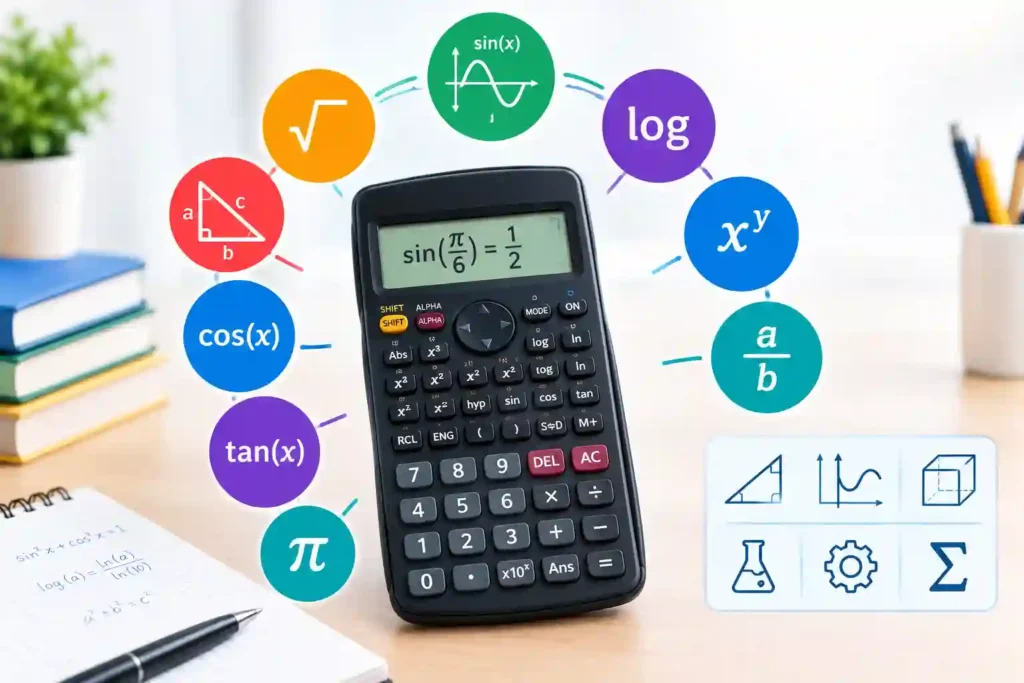
2. Scientific Handheld Calculator
Scientific models add powers, roots, logarithms, trigonometry, fractions, statistics, scientific notation, and sometimes equation solving.
Pros
- Useful for mathematics, science, and technical work
- Broad functions without graphing cost
- Portable where permitted
Cons
- More keys require training
- Wrong modes change answers
- Features vary
Readers needing technical computation can compare InfraTech Hub’s Scientific Calculator guide and tool.
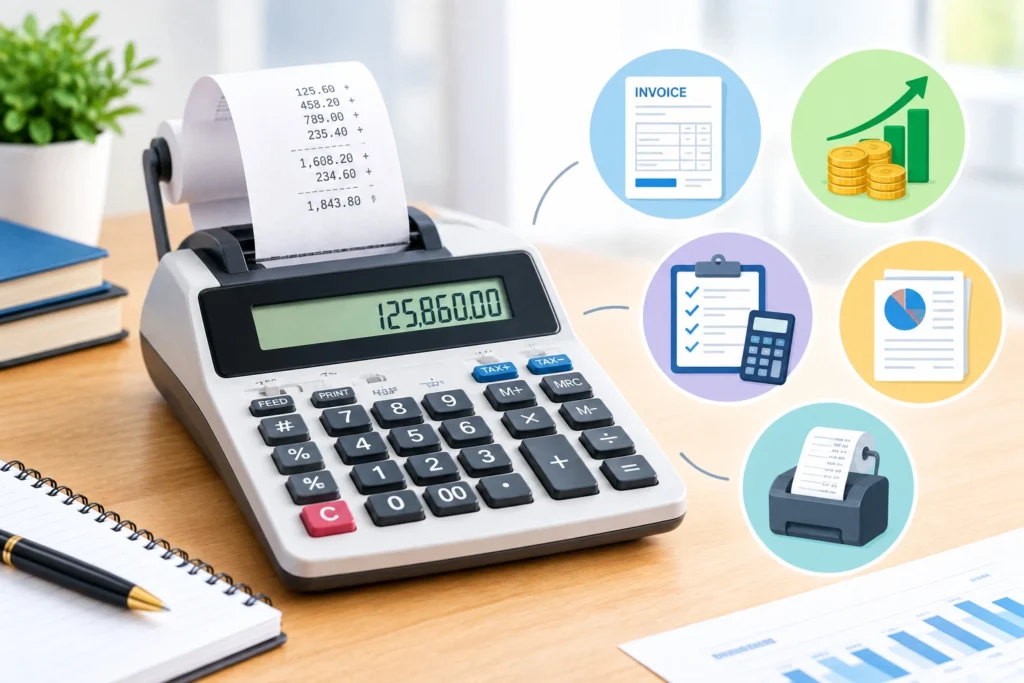
3. Financial Pocket Calculator
A financial model organizes loans, cash flows, bonds, depreciation, margins, and time-value-of-money variables.
Pros
- Speeds recurring finance work
- Structures timing and compounding
- Works offline
Cons
- Signs and modes require training
- Forecasts depend on assumptions
- Limited scientific functions
InfraTech Hub’s Financial Calculator, Loan Calculator, and Compound Interest Calculator provide related support.
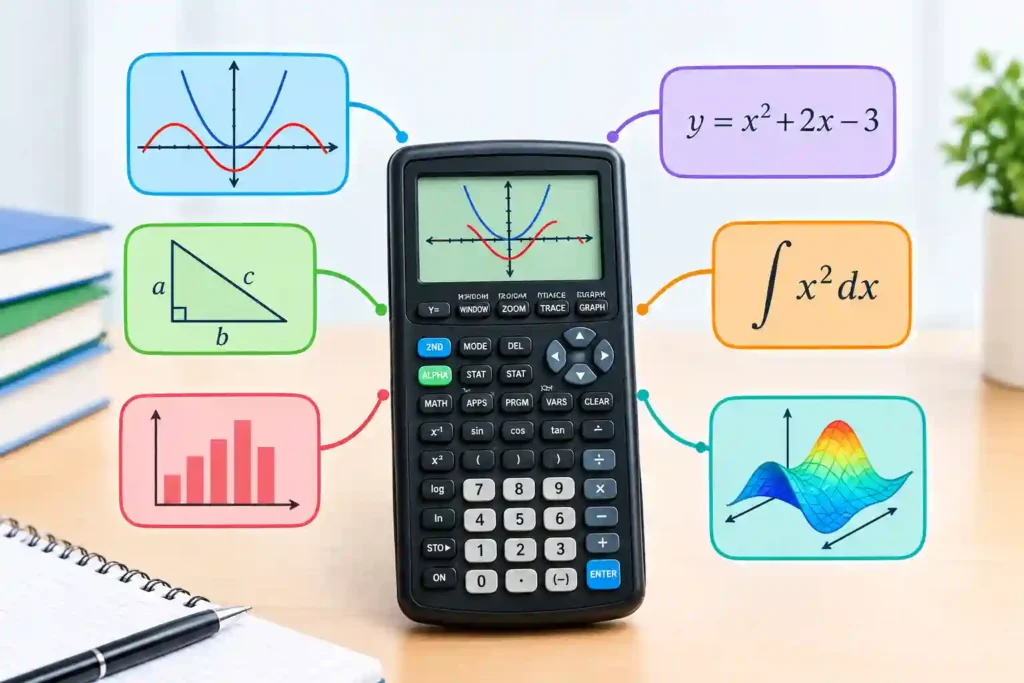
4. Graphing Handheld Calculator
A graphing model plots equations, builds tables, analyzes data, and may support programming, matrices, statistics, and calculus.
Pros
- Visualizes functions and data
- Combines several advanced tools
- Useful for higher mathematics and STEM courses
Cons
- Larger and costlier than a mini calculator
- Requires window and syntax knowledge
- Some tests restrict features
The Graphing Calculator cluster explains when visualization justifies the added complexity.
These types of handheld calculators serve different tasks. Choose the simplest model that performs the work reliably.
What Is a Pocket Calculator Compared With a Smartphone App?
Apps offer large displays, history, and specialized tools. Dedicated devices provide physical keys, offline access, privacy, long practical battery life, and no notifications.
A mini calculator suits counters, workshops, classrooms, warehouses, meetings, and field sites where phones are inconvenient. Apps are stronger for saved history, explanations, conversions, and scenarios.
Use the dedicated device for focused arithmetic and an app for richer workflows.
When Is a Pocket Calculator Still Useful?
A pocket calculator remains valuable when users need:
- Shopping and stock totals
- Measurements and estimates
- Distraction-free lessons
- Offline travel or fieldwork
- Repetitive physical-key entry
- Backup when phones are restricted or low
- Privacy for routine figures
Texas Instruments still markets basic calculators for school, home, and office. This supports what is a handheld calculator today: a focused calculation tool rather than a communication device.
Practical Uses by Audience
For students, a pocket calculator supports arithmetic practice and lets teachers focus on reasoning. Retail staff use it to check discounts, unit prices, change, and stock totals without opening a phone. Tradespeople can verify measurements, material quantities, and estimates at a workbench or jobsite. Travelers use it for budgets and currency comparisons, while older adults may prefer tactile keys and a stable display.
This practical range strengthens what is a pocket calculator: a purpose-built device for short, repeatable computations. It also clarifies what is a handheld calculator in work—portable hardware that remains available when connectivity, app permissions, or phone etiquette create friction. Among the types of handheld calculators, users should match function depth to risk. A pocket model suits low-stakes totals; scientific, financial, or graphing models are appropriate only when their added controls are understood clearly.
How to Choose the Right Pocket Calculator
Review functions, display, key spacing, power, durability, memory, decimal behavior, cover, and examination rules. Compare types of handheld calculators against real tasks, not feature lists.
Choose basic for arithmetic, scientific for technical subjects, financial for cash flows, and graphing for visualization. Dual power improves reliability. Users needing accessibility should prioritize high contrast, large digits, separated keys, and comfortable pressure.
Common Errors and Expert Checks
Errors include wrong signs, decimals, memory, percentage sequences, rounding, angle modes, and units. A full answer to what is a pocket calculator should stress estimation, display review, and independent checking.
High-stakes decisions require validated formulas, reliable inputs, and qualified review. Precise arithmetic can still support a poor decision.
Conclusion
The practical answer to what is a pocket calculator is a compact, focused device that makes routine or specialized calculation immediately available. Its value survives the smartphone era because simplicity, physical keys, privacy, portability, and offline reliability remain useful.
Explore InfraTech Hub’s pillar, Basic, Scientific, Financial, Graphing, Percentage, and Unit Converter resources. This completes what is a pocket calculator with practical next steps.